This post may seem primarily for those who teach writing, as opposed to my usual posts that work for most content areas or teaching in general. However, even if you don't teach writing, you might get a nugget by looking into how the analogy of fishing, coupled with some brain science (dual coding) or researched-based … Continue reading Fishing Essay Graphic Organizer
Tag: GoogleSlides
2 Terrific Teacher Tech Tools
This week's spotlight lands on a Chrome extension and a Docs/Slides add-on that I have been exploring recently. While they both can save time, which all teachers will appreciate since time is a very valuable commodity in this profession, they function very differently. At this point in my exploration, I am by no means an expert on either of them yet, but I am definitely an enthusiast of both. Introducing Text Blaze and Stickity! Both of these can save you time AND help students.
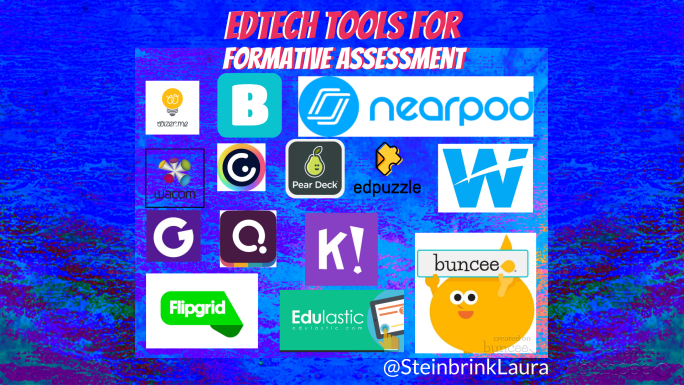
EdTech Tools for Formative Assessment
Let's talk assessment! Before we dig into a few tools, let me just remind us all that any tool that students can use to create something are also tools that teachers can use for a formative assessment. So before you begin digging into these fabulous tools, keep in mind that the main focus is what you want students to demonstrate that they know. Once you have that firmly fixed in your mind, then contemplate which of these creative tools can help students show what they know the best. Where possible, allow students some choice in the tool they use also. Okay, with that out of the way, let's get to it!
Blogging with Littles! Using Buncee, Google Slides, & Microsoft Powerpoint to Empower Student Voice
Right now, you are thinking I could be a bit off center or right on target for talking about blogging with littles, but hear me out. Even if your students can't write or type yet, they can respond to a prompt with visuals, clipart, or drawings. You can do that without any setup or prep when using Buncee, but if you don't have an account, then Slides or Powerpoint make good free options with a bit of work up front. Whichever tool you choose to use, giving students another way to share their voice and ideas is always the right thing to do